Why Your LinkedIn Connection Requests Get Ignored (And How to Fix It)
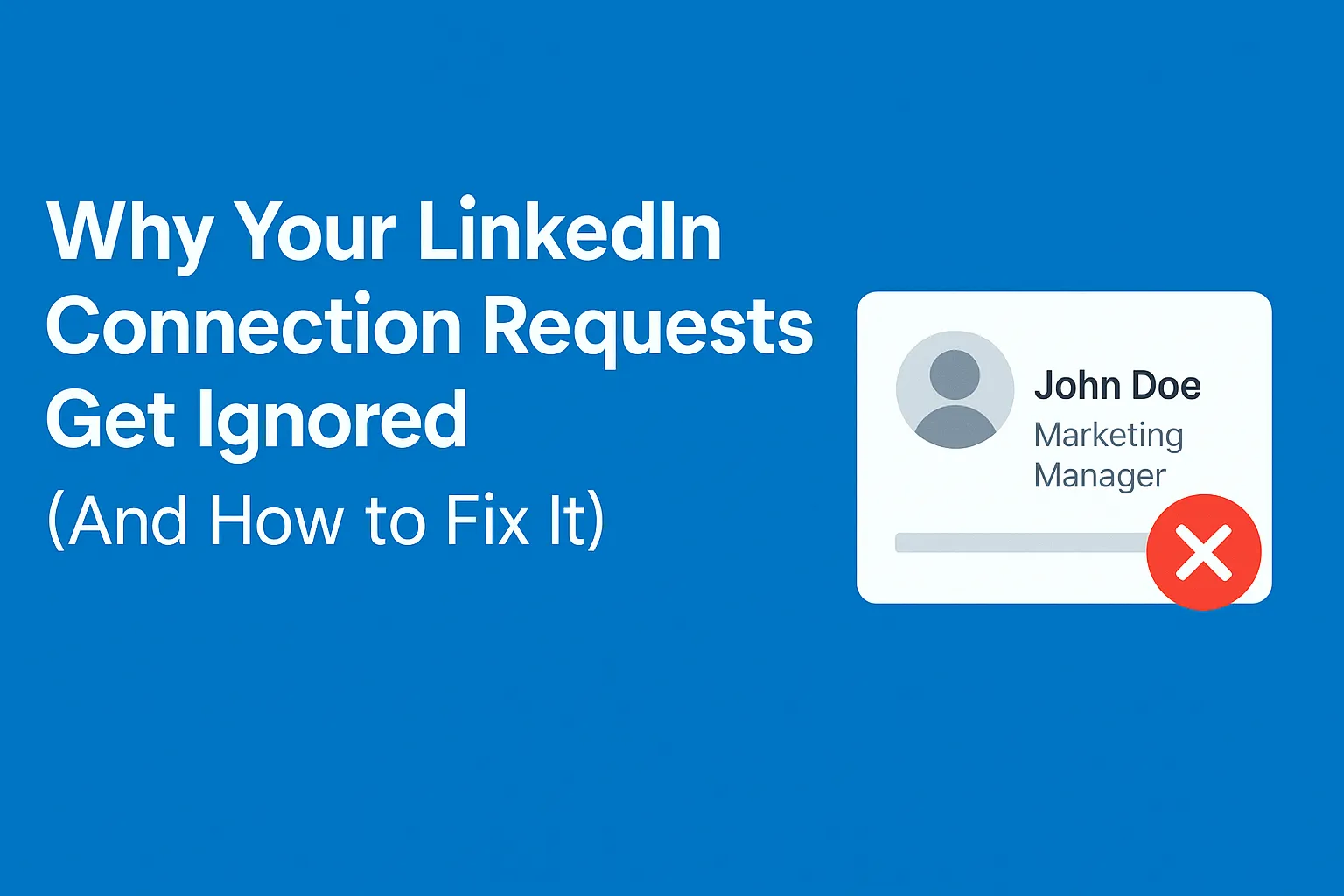
If your LinkedIn connection requests are being ignored, the issue rarely starts with LinkedIn. It starts with your profile, your targeting, or the connection request message itself. The good news is that all three are easy to fix once you understand the psychology behind why people accept or reject a LinkedIn connection message.
This guide breaks down the most common reasons your requests fail and how to reverse them quickly.
Reason 1: Your Request Isn’t Compelling or your Profile isn't Trustworthy Enough
Before someone accepts your request, they take three seconds to scan your request:
- photo (seen in the request)
- headline (seen in the request)
- mutual connections (seen in the request)
- connection request message (if included, seen in the request)
If they're detailed-oriented, they might then click into your profile for more information:
- About section (seen only on your profile)
- activity (seen only on your profile)
- experience (seen only on your profile)
If anything feels vague, irrelevant, too junior, overly sales-focused or inactive, your LinkedIn connection message is ignored.
How to fix this
First priority:
- Use a clear, credible headline that states seniority and ideally shows who you help
- Use a professional photo
- Use a connection request message only under certain circumstances
Second priority:
- Add a short About section explaining your value, targeted specifically at your audience
- Feature one piece of content that signals expertise
- Keep your experience clear and targeted
A strong headline and photo dramatically boosts acceptance rates. Read the full guide on how to optimise your LinkedIn profile for higher acceptance rates.
Secondarily, a strong profile helps increase your credibility and chances of acceptance.
Reason 2: Your Message Looks Automated
Most outreach fails because it looks like this:
“Hi, I came across your profile and wanted to connect.”
This message could be sent to anyone. Recipients know it’s automated.
How to fix this
Without exception, blank connection requests always perform better than connection requests containing generically worded messages.
Almost always, you will achieve your highest possible acceptance rates if you send blank connection requests.
The only exception is in markets that are the most highly saturated with LinkedIn automation - for example, the US and the UK. In these markets, highly personalised requests perform best, better than blank and much better than generically worded requests. Because you stand out from everyone else, and people believe you really reached out manually.
In those highly personalised requests, add one line that proves you understand their world.
And most crucially, make it valuable to them to accept your request.
Examples:
- describe the network you're inviting them into
- imply that this network could be valuable to them
- mention why the network would find them valuable
Personalisation does not need to be long. It just needs to be real.
Reason 3 Weak Targeting
Even the best LinkedIn message fails if the recipient has no reason to care.
Your ICP decides who responds, how often, and how quickly. Learn how to fix your LinkedIn ICP for better results.
Fix with better segmentation
Segment by:
- industry
- seniority
- job title
- company size
- region
- common goals
The tighter the ICP, the higher your acceptance and reply rates. If you are still defining yours, start with how to find your ideal customer profile on LinkedIn.
Reason 4: Sending Too Many Requests Too Fast
LinkedIn monitors unusual sending patterns. If your activity spikes, your visibility drops.
Safe sending
- Basic accounts: 20–25 connection requests per day
- Premium accounts: 40–50 per day
- Gradually warm up over time
Consistency beats volume.
Reason 5: No Clear Value in the Message
People accept when the request feels useful, relevant and respectful of their time.
Your LinkedIn connection message should answer one question:
“Why is this person worth connecting with?”
Provide a clear reason and acceptance increases immediately.
FAQs About Ignored LinkedIn Requests
What is a good LinkedIn connection acceptance rate?
Above 30 percent is solid. Above 50 percent is strong.
Does adding a note improve acceptance?
Only if the note is highly personalised and relevant. Otherwise blank requests perform better.
Should I mention my product?
No, never. Keep it light and value-led.
Can improving my profile increase acceptance?
Often dramatically. People connect with credibility.
Final Thoughts
Connection requests fail for predictable reasons. Fix your profile, refine your targeting and add even one sentence of real personalisation. Your acceptance rates will increase immediately, and the quality of your conversations will improve alongside them.