How to Personalise LinkedIn Messages at Scale (Without Spending Hours)
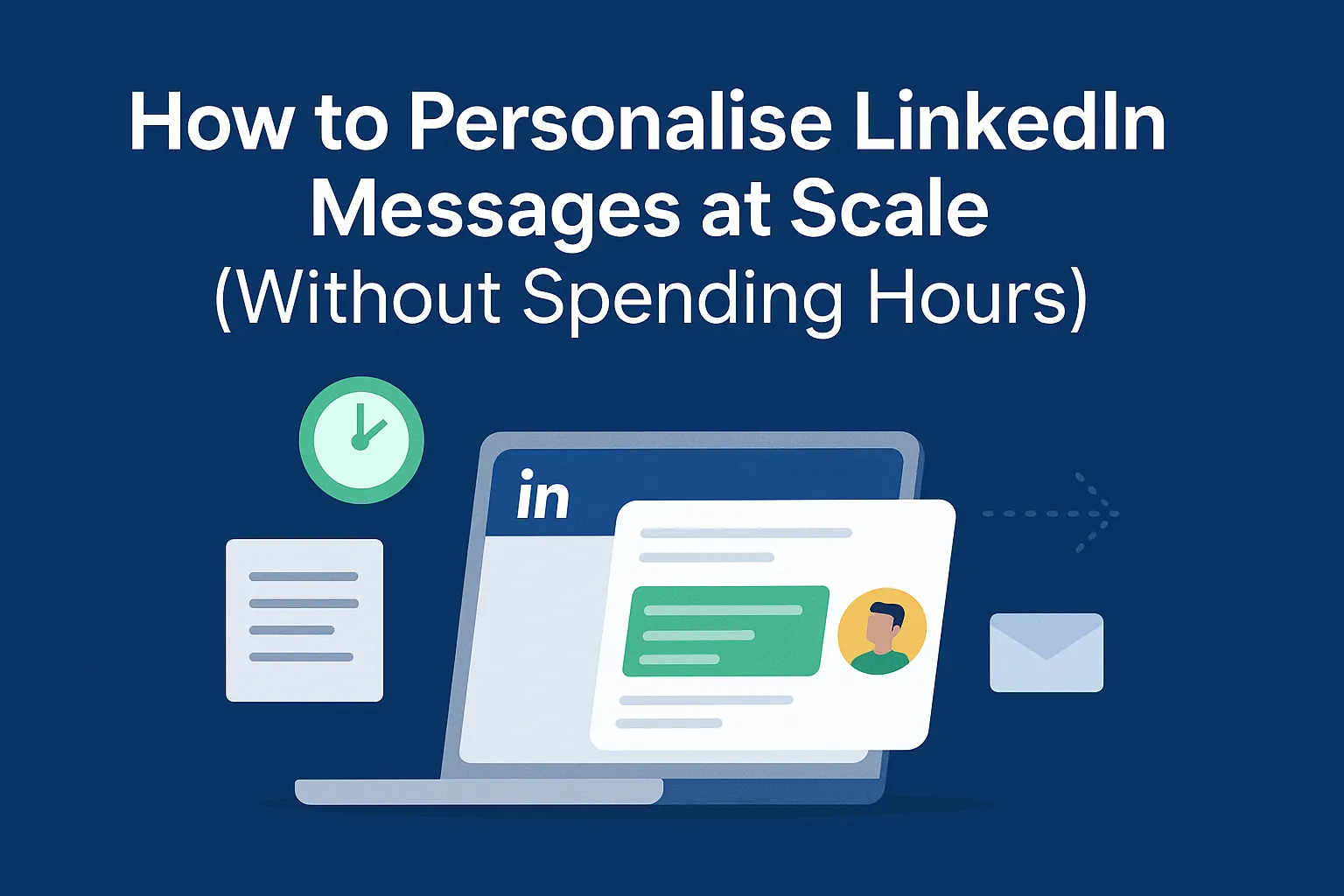
Most people know that personalised LinkedIn messages outperform generic templates, but almost nobody has the time (or patience) to research hundreds of prospects every week.
So the question becomes:
How do you genuinely personalise LinkedIn outreach… at scale… without spending hours researching every LinkedIn connection message?
Good news: it’s not only possible, it’s the fastest way to increase your reply rates and book more intro meetings.
This guide walks you through exactly how to scale personalisation, why generic outreach no longer works, and how to automate 1:1, context-rich messages that still sound human.
Why Personalised LinkedIn Messages Matter More Than Ever
Generic outreach no longer works
Decision-makers are overwhelmed with:
- copy-paste connection requests
- generic templates
- AI-heavy scripts
- irrelevant pitches
If your message feels mass-produced, it gets deleted before they even finish reading the first line.
People respond to context, not templates
Real personalisation isn’t inserting someone’s name and job title.
It’s showing the prospect you understand:
- what they do
- why it matters
- how it connects to what you offer
That’s the difference between noise and relevance.
Personalisation vs mass outreach: the reply-rate gap
Across LinkedIn, we now see:
- 1–3% reply rate for generic messages
- 8–15% reply rate for context-rich personalised outreach
- 20%+ reply rate when the message links directly to the prospect’s work (Upscale’s speciality)
People reply when they feel seen, not targeted.
The Problem With Traditional “Personalisation” in LinkedIn Outreach
Manual research doesn’t scale
If you spend 3–5 minutes researching each prospect:
- 200 prospects = 10–15 hours
- 500 prospects = 25–40 hours
That’s a full-time job before you've even got started.
No business owner, sales person or senior manager has that kind of time.
Keyword insertion feels robotic
Most outreach tools do this:
“Hey {first_name}, saw you work at {company}. Thought I’d reach out…”
This isn’t personalisation, it's dynamic keyword insertion.
Prospects can sense this instantly.
Why most tools generate the same message for every prospect
Most tools:
- scrape high level keywords like first name and company
- reuse generic message formats
- produce predictable, AI-sounding text
- fail to link the prospect’s context to your proposition
That’s why most automation increases inbox noise rather than getting replies.
A Simple Framework to Personalise LinkedIn Messages Quickly
Even without automation, this 4-step method dramatically improves reply rates.
Step 1: Identify the prospect’s context (role, industry, timing)
This is the foundation. Understand:
- their responsibilities
- their business environment
- their current challenges
- where their team/company is heading
This sets up a strong “way in.”
Step 2: Find the “hook” that links their work to your offer
The “hook” is the single piece of context that makes your outreach relevant.
Example:
“You’re expanding your company presence in APAC” → links to → “personalised outreach messaging matters more.”
Step 3: Write in your natural tone
Avoid AI voice. Avoid corporate speak.
Keep it:
- simple
- human
- short
- conversational
LinkedIn is a messaging platform, not an email client or pitch deck.
Step 4: Add one line that shows genuine, relevant context
Not flattery.
Not “I loved your post” or "I saw you liked this article"
Something actually relevant that credibly connects their work to your proposition.
This is what proves the message is for them, not for 1,000 people.
2 Personalised LinkedIn Message Examples That Actually Work
Example 1: Personalisation based on recent activity
“Saw your update about expanding your clientbase in the North America Real Estate market. Meeting rapid expansion goals often requires navigating messaging bottlenecks that show up fast, especially when outreach has to feel 1:1.”
Example 2: Personalisation based on company context
“Since {{company}} has been enjoying recent success with Real Estate clients, you might like to scale that success with more firms across different regions. We’ve been helping teams automatically identify and research new prospects, and turn them into prospect meetings using heavily personalised outreach messages.”
These formats are simple and proven, they contain genuinely relevant information, and they feel human.
How to Personalise LinkedIn Messages at Scale (Without Spending Hours)
Personalisation is easy for 5 prospects and impossible for 500.
Unless you automate the thinking part.
Automating research on each company
Upscale analyses the prospect’s company's:
- offerings
- goals
- industry context
- core values
Then calculates the strongest “way in.”
Auto-summarising your offer for each person
Instead of rewriting your pitch 300 times, Upscale adapts your proposition automatically based on what that prospect cares about.
Maintaining your voice and tone
You set:
- your greeting
- tone
- CTAs
- sign-off
- writing style
Every message stays authentically “you.”
Common Mistakes to Avoid When Personalising LinkedIn Messages
Over-complimenting the prospect
It feels insincere and lowers trust.
Using irrelevant details
Don’t mention hobbies, personal posts, or anything unrelated to work.
Writing too long
Keep it short enough to read without scrolling.
Sounding like AI
AI tone kills reply rates.
Human tone wins.
Final Thoughts: Personalisation Should Feel Effortless
Personalised LinkedIn messages and LinkedIn connection messages are now the difference between being ignored and being remembered.
But personalisation shouldn’t require:
- hours of research
- rewriting your pitch
- manually analysing profiles
- juggling multiple tools
With the right workflow (and the right automation), you can send meaningful, context-rich messages that open doors. And at a scale that actually supports your pipeline.
FAQs About Personalising LinkedIn Messages at Scale
What is a good reply rate for personalised LinkedIn outreach?
For most B2B campaigns, 1–3% reply rate is common with generic messages. When you personalise based on role, industry, and company context, it’s realistic to aim for 8–15% or higher. Truly tailored outreach that clearly links what they do to what you offer can reach 20%+ reply rates.
How many personalised LinkedIn messages should I send per day?
Focus on what’s safe and sustainable. Most B2B teams stay within 20-40 connection requests per day per profile, with follow-up messages layered on top. The key is steady, consistent activity rather than sudden spikes that look automated.
Can I automate personalised LinkedIn messages without sounding like a bot?
Yes, if the automation does more than just plug in {first_name} and {company}. You need a system that:
- understands the company’s context
- links that context to your proposition
- respects your tone of voice
That’s exactly what Upscale is designed to do.
Is it better to write one message template or multiple variations?
One “universal” template nearly always underperforms. You’ll get better results with:
- a core structure that stays consistent
- at least a personalised opening that’s unique to each prospect
- variations by segment (industry, seniority, use case)
This keeps things scalable without losing the 1:1 feel.
How do I know if my personalised LinkedIn messages are working?
Track:
- Connection acceptance rate
- Message reply rate
- Meeting Rate
- Close Rate
If acceptance is fine but replies are low, the issue is the message. If both are low, revisit your profile, your targeting and then your proposition.