How to Find Your Ideal Customer Profile on LinkedIn (Step by Step)
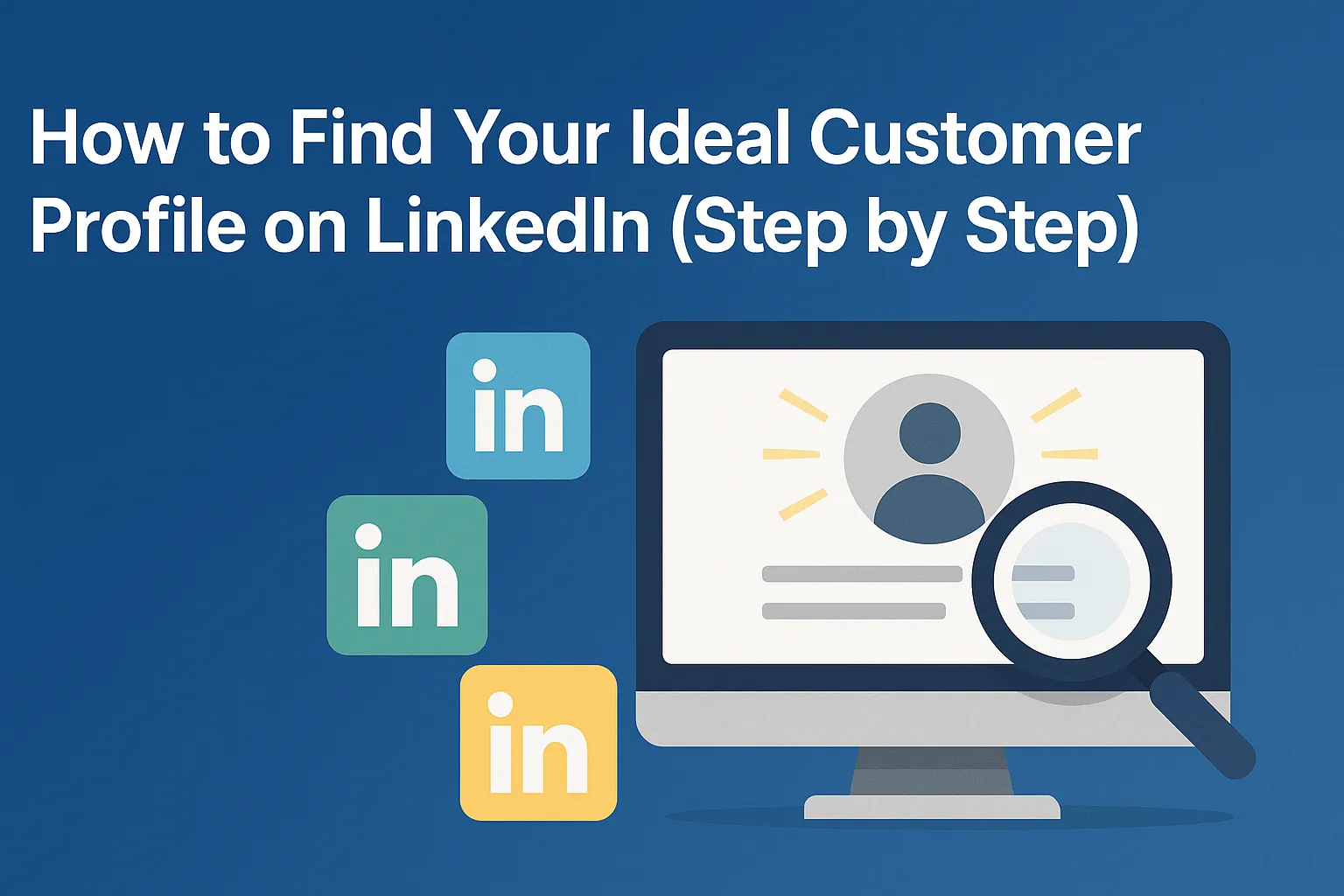
If the response to your outreach feels inconsistent, the problem usually isn’t your messaging. It’s your targeting. A precise Ideal Customer Profile (ICP) transforms every part of your pipeline. Your LinkedIn messages become more relevant. Your LinkedIn connection requests get accepted more often. Your reply rates increase without sending more volume.
This is the step-by-step method for defining your ICP using LinkedIn.
Step 1: Analyse Your Best Customers
Start with the patterns inside your existing customer base.
Look for similarities in:
- industry
- company size
- company type
- geography
- seniority of buyer
- job title of buyer
- goals and challenges
Your best customers reveal who your future customers will be.
Step 2: Identify Who Feels the Pain Most
Multiple roles may benefit from your product, but one usually feels the problem most directly.
High-response roles can include:
- founders
- SMB CEOs
- commercial directors
- COOs
- heads of sales or CROs
- marketing leads
These are the people who respond to highly relevant LinkedIn messages.
Step 3: Use LinkedIn Search Filters Properly
LinkedIn offers powerful native filtering with Sales Navigator.
Filter by:
- job title
- seniority
- industry
- company type
- headcount range
- geography
- profile language
Precise filters produce cleaner, more qualified prospect lists.
Step 4: Validate Profiles
Before scaling up, open 10–20 profiles per segment and check:
- Does their role clearly match your value?
- Is the company the right size and industry?
- Are they active on LinkedIn?
- Would they realistically respond to a personalised LinkedIn message?
You should feel clarity by this point. If not, tighten the segment.
Step 5: Build Multiple ICP Segments
Do not build one broad ICP. Build three to seven micro-segments.
For example:
- “Series A SaaS companies, 50–200 employees, targeting US expansion, speaking to Head of Sales”
- “Professional services firms in EMEA, 10–50 employees, speaking to Founder or Managing Partner”
Each segment should receive a different personalised LinkedIn message - pitching the proposition in a different way.
Start with your lowest hanging fruit - which segment is most likely to buy what you offer?
Step 6: Align Your Proposition to Each Segment
Once you know who they are, connect your value to their priorities:
- revenue goals
- operational inefficiencies
- growth targets
- market pressure
- hiring challenges
When your message aligns directly with their world, replies become predictable.
FAQs About ICP on LinkedIn
How do I know if my ICP is too broad?
If one LinkedIn message can serve all of your targeted industries with multiple products, your ICP and proposition are not defined enough.
How many ICP segments should I build?
Three to seven. Enough to personalise, not so many that complexity slows you down.
Does better ICP improve acceptance rates?
Yes. Relevance is the most important predictor of acceptance.
Should every segment get a different message?
Yes. Even one contextual change dramatically increases reply rates.
Final Thoughts
Finding your ICP is not a creative exercise. It’s a data exercise. Once you know exactly who you help and what they care about, your LinkedIn messages become sharper, more relevant and far more effective. Quality, not volume, is what scales outreach effectively.