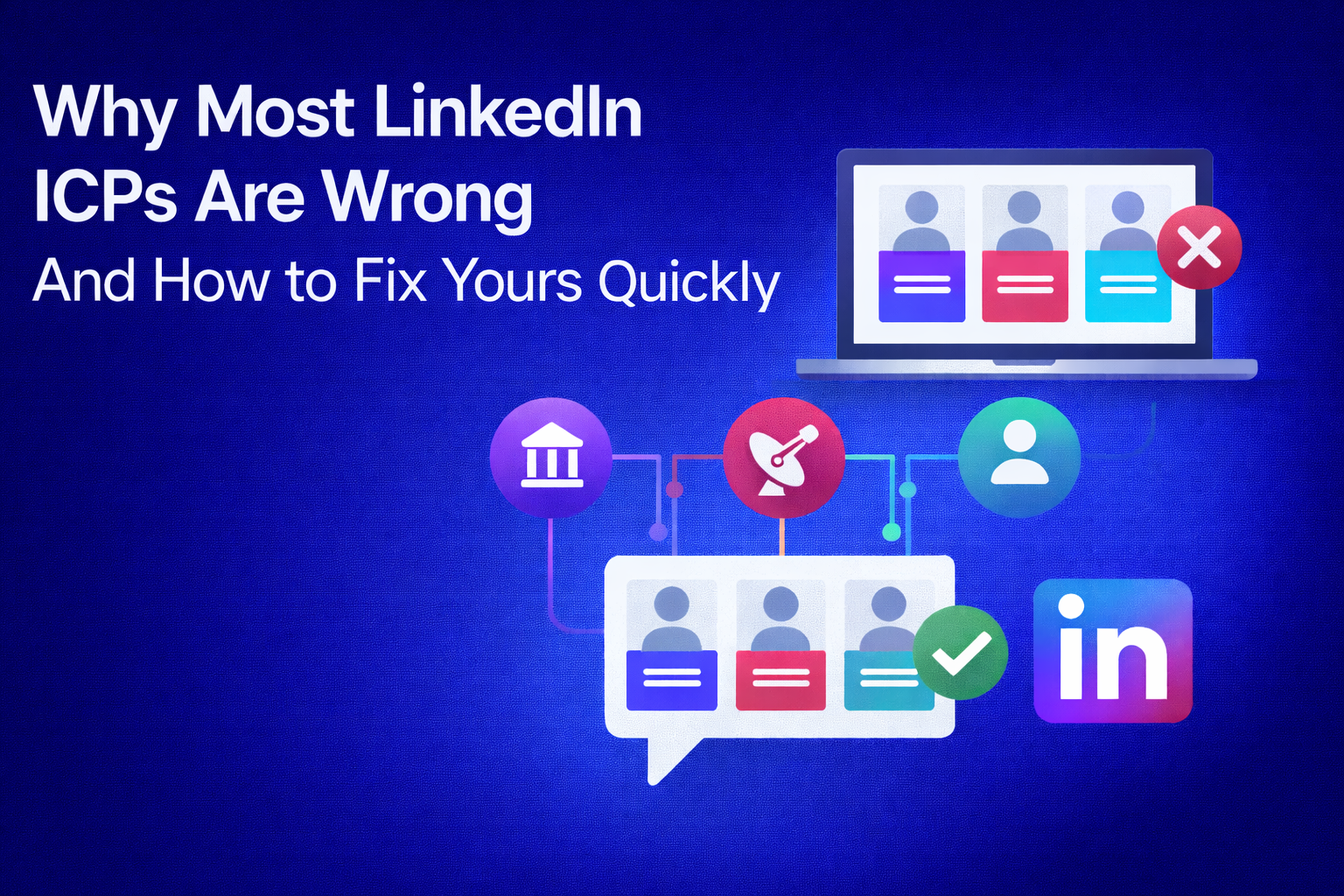
How Many LinkedIn Messages Should You Send Per Day (Safe Limits Explained)
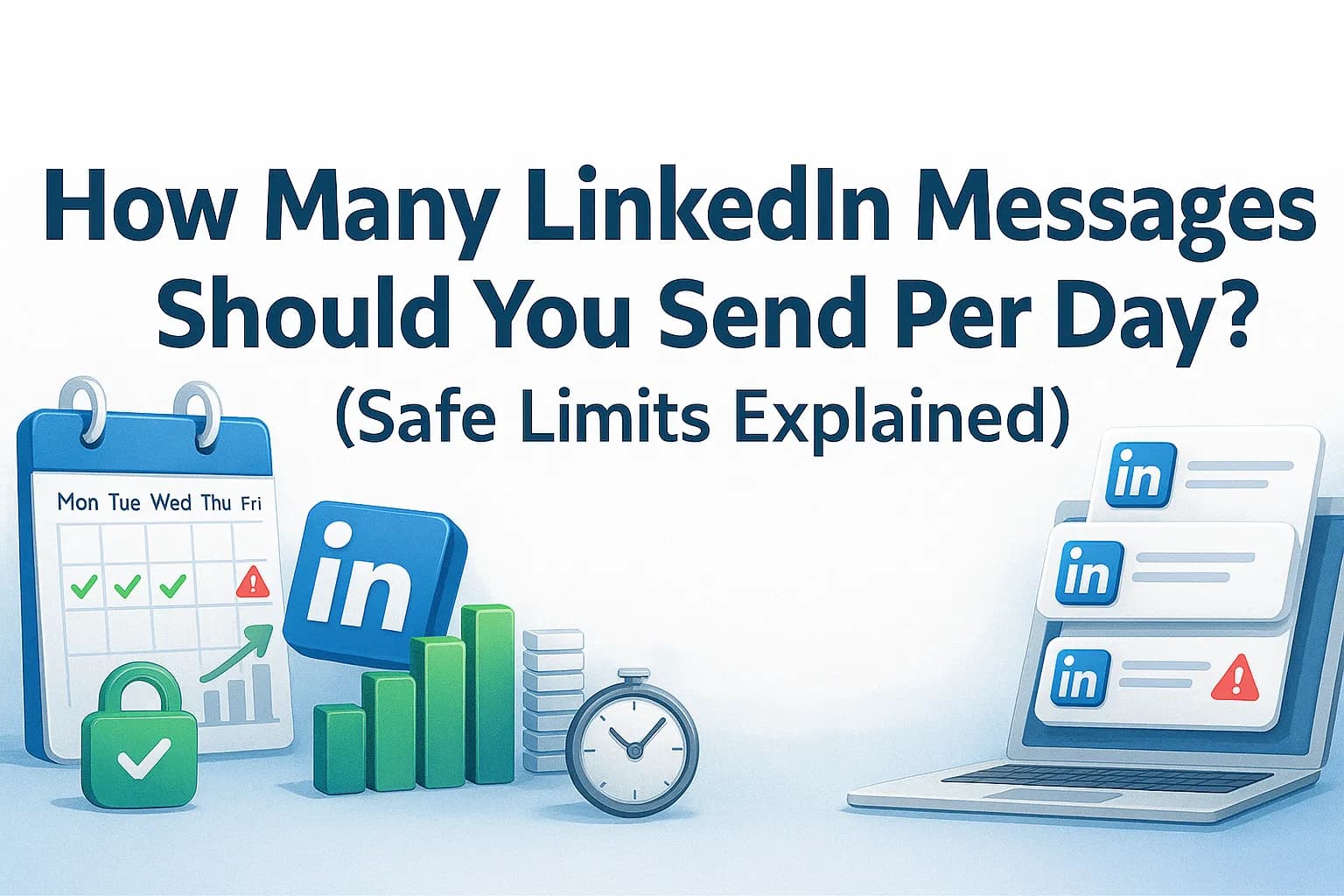
Most people dramatically underestimate how closely LinkedIn monitors behaviour. The platform tracks every LinkedIn message, every profile view, and every LinkedIn connection message you send. If your activity looks automated, your visibility drops. If it spikes too quickly, restrictions appear without warning.
This guide explains exactly how many LinkedIn messages per day is safe, based on real-world data. The goal is simple: help you scale pipeline safely and consistently.
Why LinkedIn Limits Exist
LinkedIn’s algorithms detect patterns that do not resemble human behaviour. These include:
- sudden spikes in sending
- different parallel sending locations
- odd work hours
- low acceptance rates on connection requests
- repeated high-volume search activity
- too many actions in too short a time
If your behaviour looks automated, LinkedIn reduces your reach or places you under review.
The solution is not to send fewer messages. It’s to send smarter, more personalised LinkedIn messages within natural behavioural ranges.
Safe Daily Limits for LinkedIn Outreach
Below are the field-tested safe sending limits.
Profile Views
- Basic account: 20–30 per day
- Premium/Sales Navigator: 40–60 per day
Follows
- Warmed-up Premium account: 40–60 per day
- Basic account: 20–30 per day
Connection Invites (LinkedIn connection messages)
Remember: LinkedIn caps at 200 invites per week.
- Premium: 40–50 per day
- Basic: 20–25 per day
These numbers assume your acceptance rate is healthy. Below 20 percent, reduce immediately.
Messages (Follow-up LinkedIn messages)
- Active Premium accounts: 100–120 messages per day
- New or low-activity accounts: 30–40 messages per day
InMail
You receive 800 free InMails per month, roughly 35–40 per day.
Discover / Search
- 80–100 search pages per day for standard users
- Up to 300 for advanced/high-trust accounts
These limits keep your activity looking natural and human.
Why You Shouldn’t Max Out Every Day
Even if limits allow it, maxing out daily activity creates patterns that look automated. LinkedIn looks for:
- identical message timing
- identical content
- sudden high-volume days
- no behavioural variation
The safest approach is consistent activity, not aggressive peaks.
How to Scale Without Triggering Restrictions
Maintain high acceptance rates
LinkedIn uses acceptance rate as a key trust signal. Below 20 percent is a red flag. Optimising your LinkedIn profile is one of the fastest ways to improve it.
Personalise at least the first sentence of every message
This dramatically increases trust, reply rate and safety. See how to personalise LinkedIn messages at scale without spending hours on research.
Increase slowly
If you are sending 10 messages per day, do not jump to 70 the next week.
Avoid message duplication
Even minor edits help your LinkedIn messages appear human.
Use tools that send gradually
Bursts of messages sent at the same second are unsafe.
A Safe, Natural-Looking Daily Pattern
A human rhythm looks like this:
- 08:40 - 5 LinkedIn messages
- 10:15 — 12 LinkedIn connection messages
- 11:30 — 3 profile views
- 13:10 — 15 follow-up messages
- 15:00 — 6 new connection requests
- 16:45 — 9 follow-ups
Automation should mimic this, not fire 50 actions instantly.
When to Reduce Your Limits
Reduce volume if:
- you receive a LinkedIn activity warning
- acceptance rate drops below 20 percent
- connection requests pile up without acceptance
- your reply rate decreases suddenly
Lowering volume temporarily protects your account.
FAQs About LinkedIn Message Limits
How many LinkedIn messages per day is safe?
Between 50 and 120 depending on account age, trust and activity levels.
How many LinkedIn connection messages per day is safe?
Premium accounts: 40–50. Basic accounts: 20–25.
Does personalisation increase safety?
Yes. Strong acceptance rates tell LinkedIn your outreach is wanted, not spam.
Do new accounts need lower limits?
Yes. Stay very conservative for the first 30–60 days.
Final Thoughts
Scaling outreach safely is not about sending fewer messages. It is about sending better messages to highly relevant people at a pace LinkedIn trusts. Respect these limits, add meaningful personalisation and you will see consistent, compounding pipeline growth.